
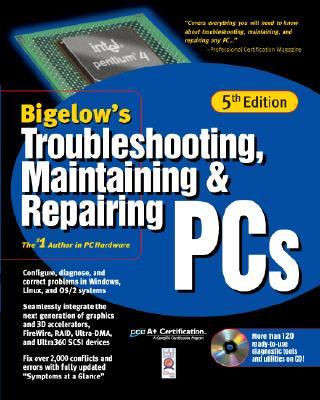
Troubleshooting, Maintaining & Repairing PCs
- Binding: Hardcover
- Edition: 5
- Publisher: McGraw-Hill Osborne Media
- Publish date: 05/01/2001
Description:
The #1 author in PC hardware, Stephen J. Bigelow, once again brings you the ultimate PC reference! With this authoritative resource on hand, you'll be able to solve all of your PC problems, including conflicts, power supply issues, error codes, virus aftermath, and much more. Inside, you'll find a convenient "Symptoms-at-a-Glance" section containing solutions for more than 2,000 PC problems. In addition, all the material covered on the A+ and CST certification exams is included. The bonus CD-ROM is loaded with loads of ready-to-use tools and utilities.
Expand description
Product notice
Returnable at the third party seller's discretion and may come without consumable supplements like access codes, CD's, or workbooks.
| Seller | Condition | Comments | Price |
|
Title Wave Books
|
Very Good

|
$6.38
|
|
Ergodebooks
|
Good |
$8.32
|
|
Wonder Book - Member ABAA/ILAB
|
Good |
$10.72
|
|
GridFreed
|
New |
$72.85
|

Please Wait